




How to buy accounts on the website?
To purchase the accounts you are interested in on our website, please follow these steps:
1. First, you must read the store rules.
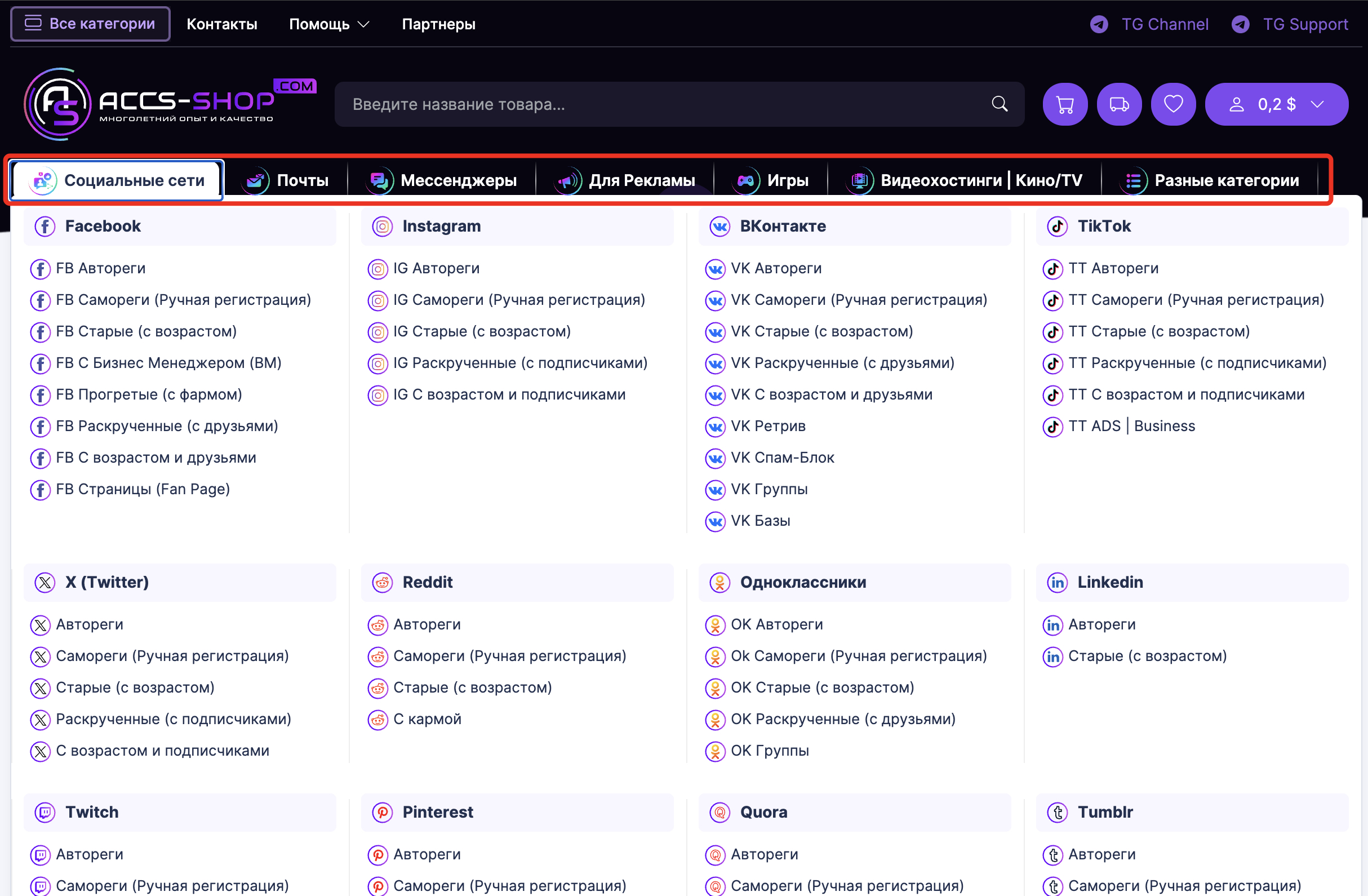
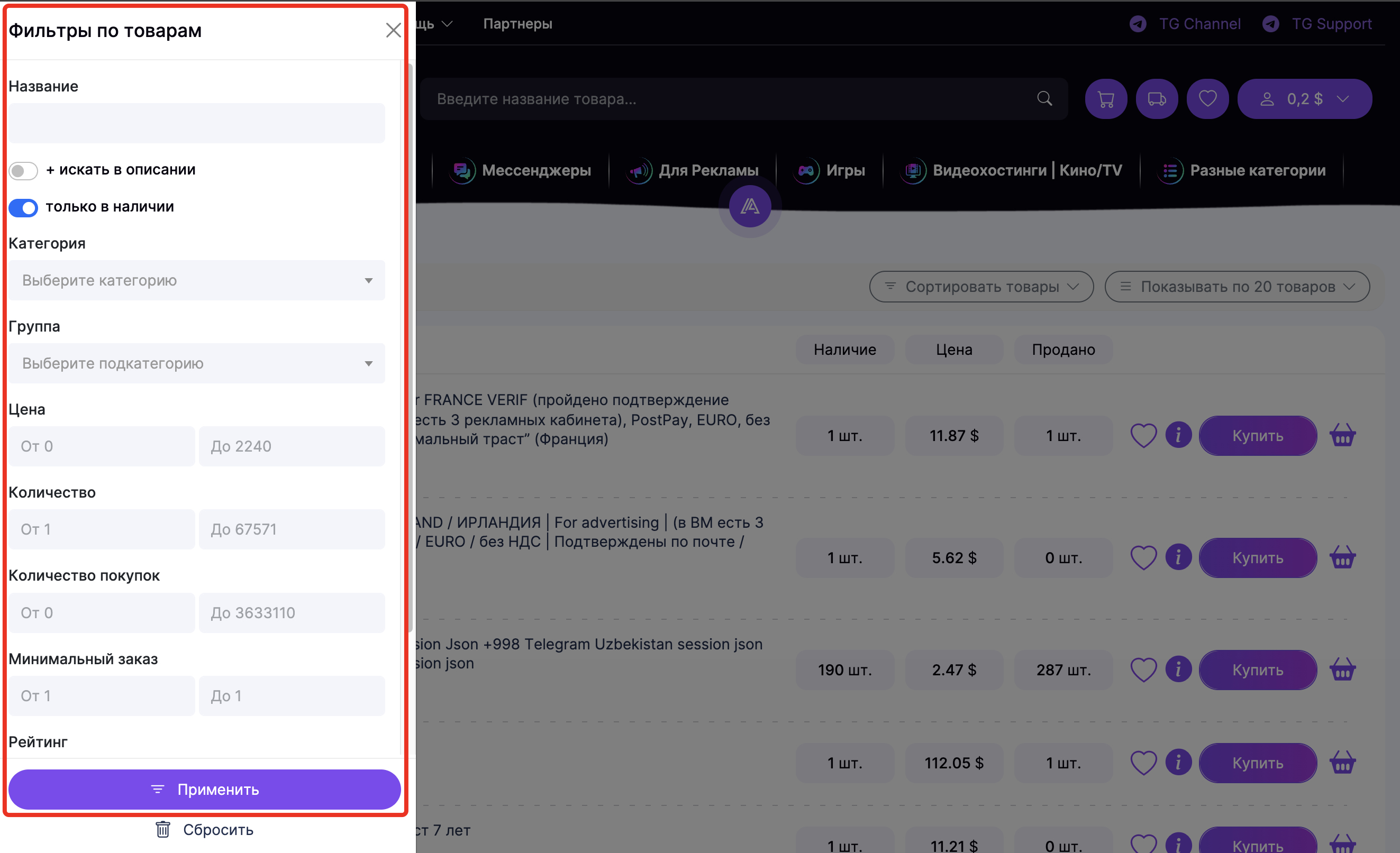
2. Select the category or subcategory of the product you need in the catalog. You can also use the filter and search functions.
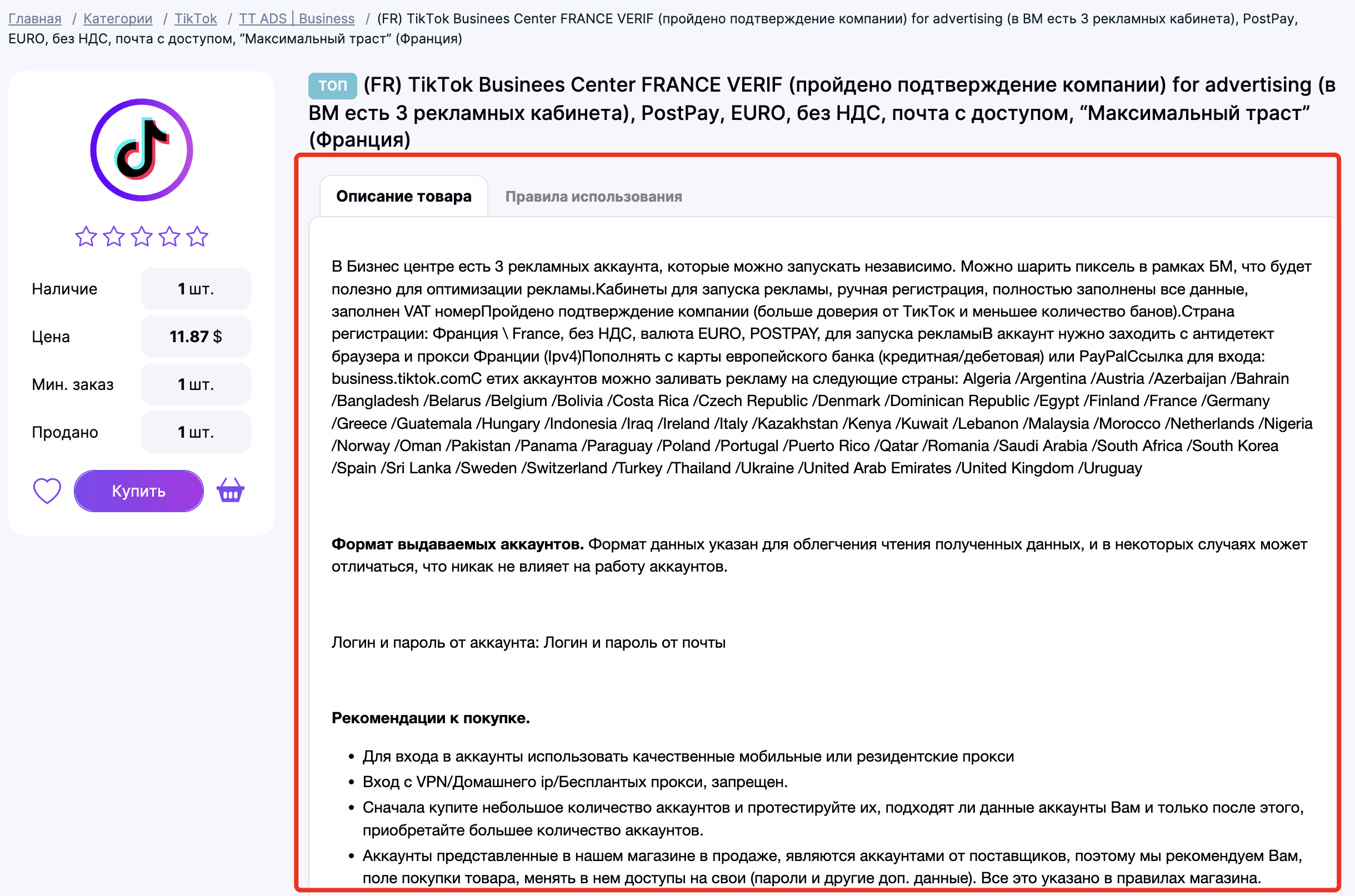
3. Once you have chosen a product, you must read its full description and the usage/launch rules. Click on the title to open a page with the complete details.
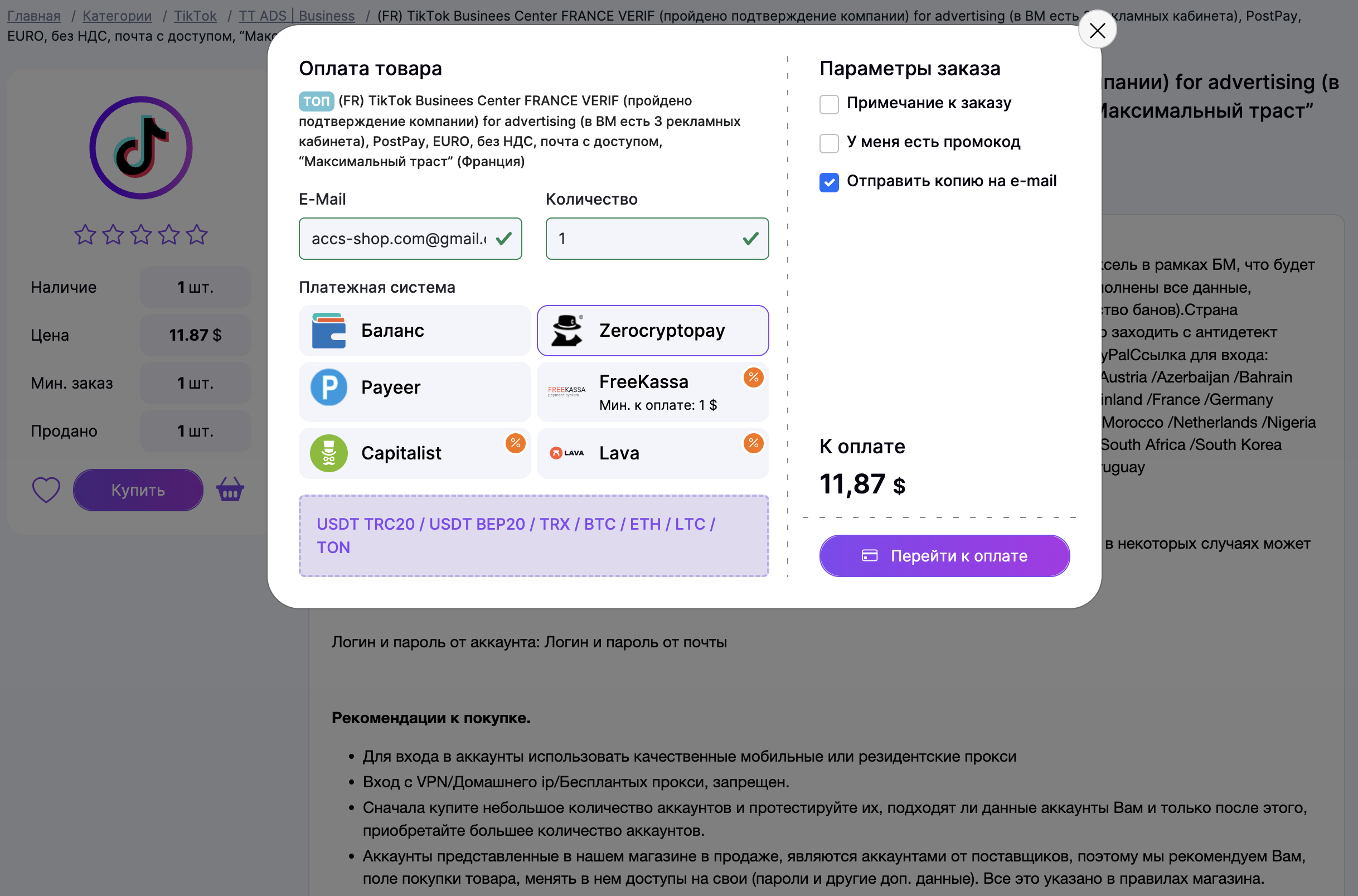
4. After reviewing the description, if the product meets your requirements, click the "Buy" button. Fill in the required fields: enter a valid email address that you have access to, specify the number of accounts, select your preferred payment method, and click "Proceed to Payment."
5. Once the payment is successful and verified, you will be redirected to a page where you can download your purchased items. Additionally, an email containing a download link will be sent to the email address you provided (please note that the email may end up in your Spam folder).
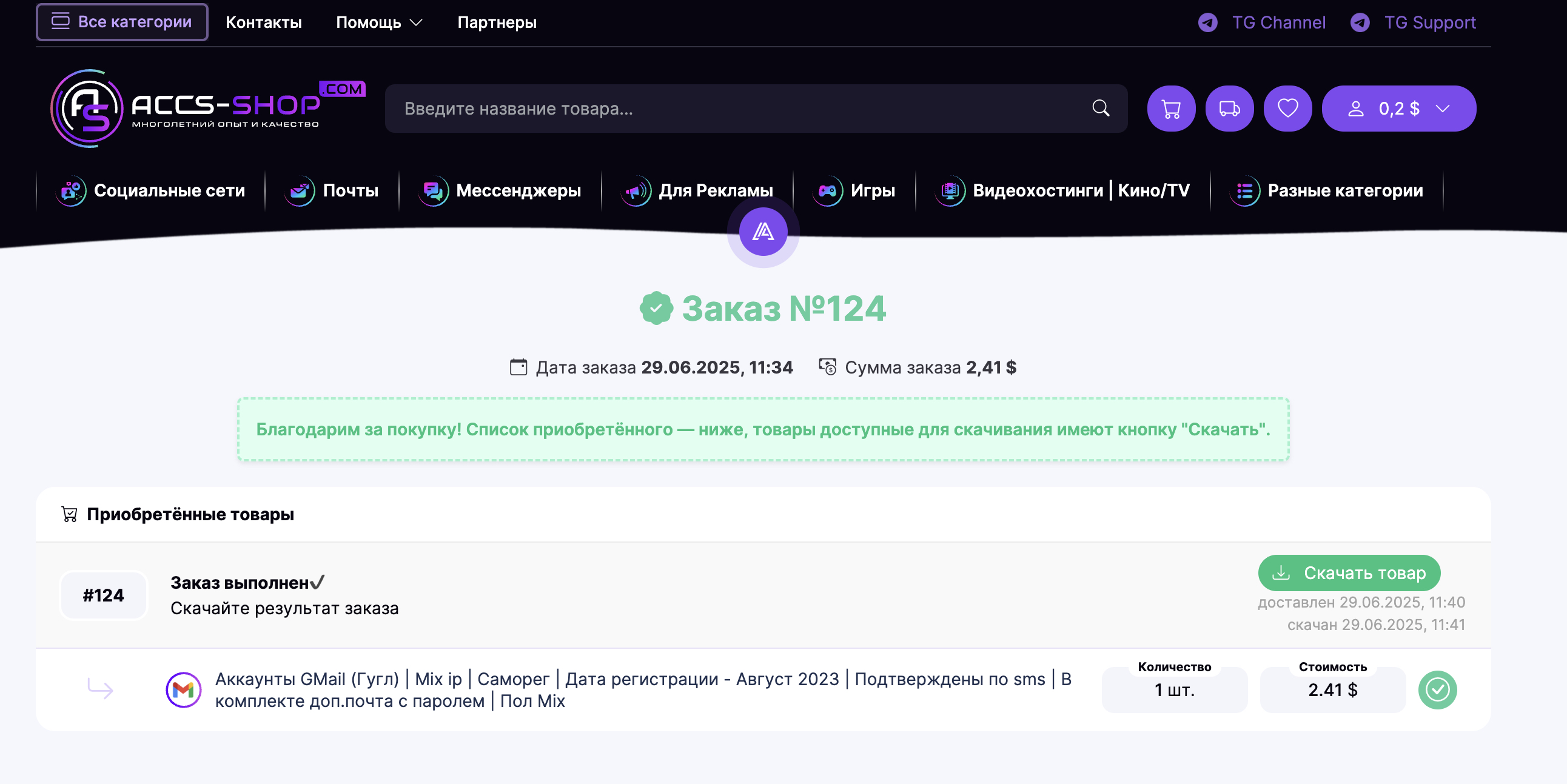
Please note: orders may not process instantly; it usually takes a few seconds to a few minutes (typically no more than 5 minutes). If for any reason your order is not delivered automatically, please contact Support to resolve the issue.
