A couple of years ago, Advertiser Verification was triggered selectively; today, it has become a mandatory step for 99% of new accounts. Google has switched to a “prove you exist, then spend money” model. It is now a barrier that a bot sets up either when creating a payment profile or during the first 30 days of operation.
Why has this become a major problem for affiliate marketing?
From the moment you receive the notification, you have exactly one month. If you don't make it in time, ad delivery stops. Documents are reviewed not by a sleepy moderator from the Philippines, but by a neural network that checks photo metadata, document clarity, and its presence in databases of used material within fractions of a second. Furthermore, Google has learned to match passport data with the cardholder's data. If you link a “virtual bank” card registered to Ivan Ivanov while uploading a passport for John Doe, the account goes into a permanent ban for “Circumventing Systems.”
Verification is merely a check of your readiness to work systematically. If you run traffic from auto-registered accounts, Google will terrorize you. But if you understand how to prepare the foundation, identity verification turns into a routine 15-minute task.
Verification Triggers: What Triggers a Check?
Google Ads does not request documents randomly. The system is based on a risk-oriented approach. If your behavior fits the pattern of a reliable advertiser, the notification banner might not appear for months. However, as soon as an anomalous action is performed, the security system switches the account to verification mode. The main triggers are:
-
Aggressive start. If you have just created an account and set a daily budget of $200+, Google views the attempt to quickly spend a large budget as a shady tactic.
-
Changing the payment profile is the ultimate red flag. If you swap one card for another—especially if they have different BINs or countries of issuance—a verification check will arrive in 9 out of 10 cases. For Google, this looks like an attempt to use stolen data.
-
Using high-risk GEOs. There are countries with high fraud levels (certain regions in Southeast Asia, Africa, and the CIS). When launching ads from accounts in these countries, a document request is triggered literally automatically on the very first attempt to publish an ad.
-
Certain stop-words and verticals (crypto, pharmacy, betting) instantly elevate an account's risk level. As soon as the robot spots a suspicious offer on a landing page, it requires advertiser verification so that it knows whom to hold accountable in case of a policy violation.
-
Digital fingerprint mismatch. If your antidetect browser reveals a discrepancy between the time zone, system language, and IP address, Google detects cloaking/masking. Identity verification acts as an additional filter: “Okay, we see you are using a proxy; now prove you are a real person.”
To delay verification as much as possible, use a “quiet entry” tactic. Launch a simple campaign for 3–5 days pointing to a white-hat website (for example, the homepage of a well-known news outlet or a local business) with a budget of $5–10. This will establish a history of legitimate transactions and increase the account's trust score.
Verification Strategy: Document Preparation
Once the verification hits, a 30-day countdown begins. But do not rush to upload the first scan you find. Google's neural networks analyze files across dozens of parameters, from the depth of photo shadows to pixel modification history. For the Google bot to accept the document on the first attempt, the file must meet strict criteria. These include:
Shot physics. The bot easily distinguishes a scan or a direct PDF export from an actual photograph. The document should be photographed at a slight angle against a “live” background (table texture, fabric). Natural lamination reflections should be visible without obscuring the text.
MRZ string readability. At the bottom of international passports and ID cards, there is a machine-readable zone (two or three lines of characters). If it is blurry or cut off by even a millimeter in the photo, the risk of rejection skyrockets. The bot reads it programmatically and cross-checks it with the data you entered in the form.
Metadata cleanliness (EXIF). If you use edited/forged templates, remember: Google sees if a file has passed through Photoshop. The photograph must contain the smartphone camera's native metadata: model (e.g., iPhone 14 or Pixel 7), capture date, exposure settings, and ideally, GPS coordinates that match the account's GEO.
Google matches the full name in the document with the data in the payment profile. If you are registered as “Alex” in the account but the passport says “Oleksandr,” the system will throw an error. The data must match character-for-character. Navigating this nuance is possible, but it can arise even with valid, clean documents.
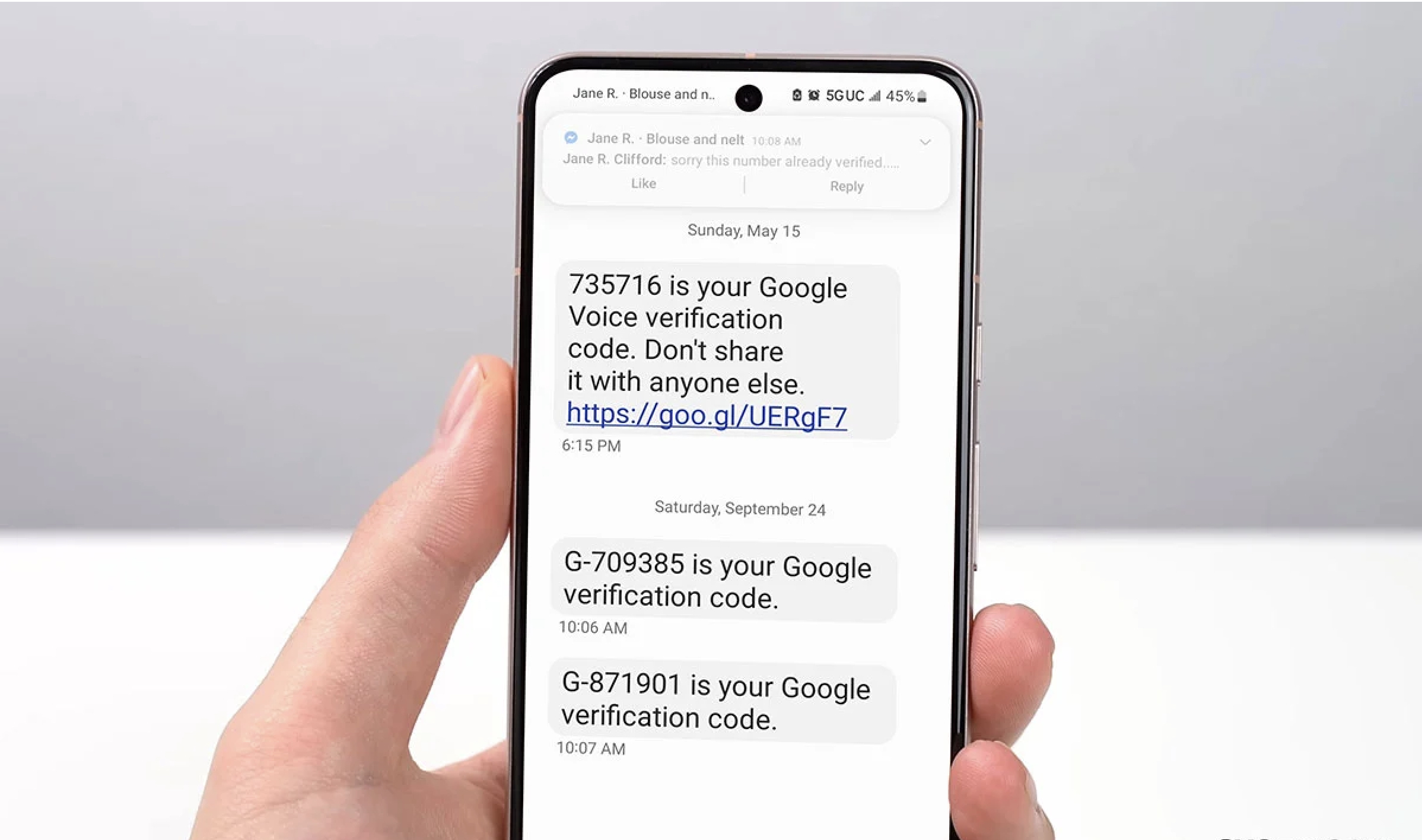
Google has also rolled out Liveness Checks (video verification). If the account looks too suspicious to the system, you will be asked to turn your head in front of a smartphone camera. This is exactly why accounts with live drops, who can complete this step upon request, are so highly valued right now.
Tip: Before uploading, check the file through a metadata clearing service or, conversely, apply correct EXIF data if you work with templates. However, the best approach is to use high-quality source documents from verified sellers.
Bypassing Strategy: Purchasing Ready-Made Solutions
For media buying teams, verification has become so resource-intensive that they have fully shifted to using ready-made consumables. If your time is worth more than template editing or hunting down drops, consider two main options:
-
Verified Accounts. This is the gold standard. You buy an account where Advertiser Verification has already been successfully completed using a real person's data. These accounts last longer and allow you to proceed straight to running traffic.
-
Agency Accounts. The most reliable method. Agencies hold a special tier of trust with Google, and the agency itself completes the verification as a legal entity. You gain access to the ad account and run traffic using their trusted payment methods.
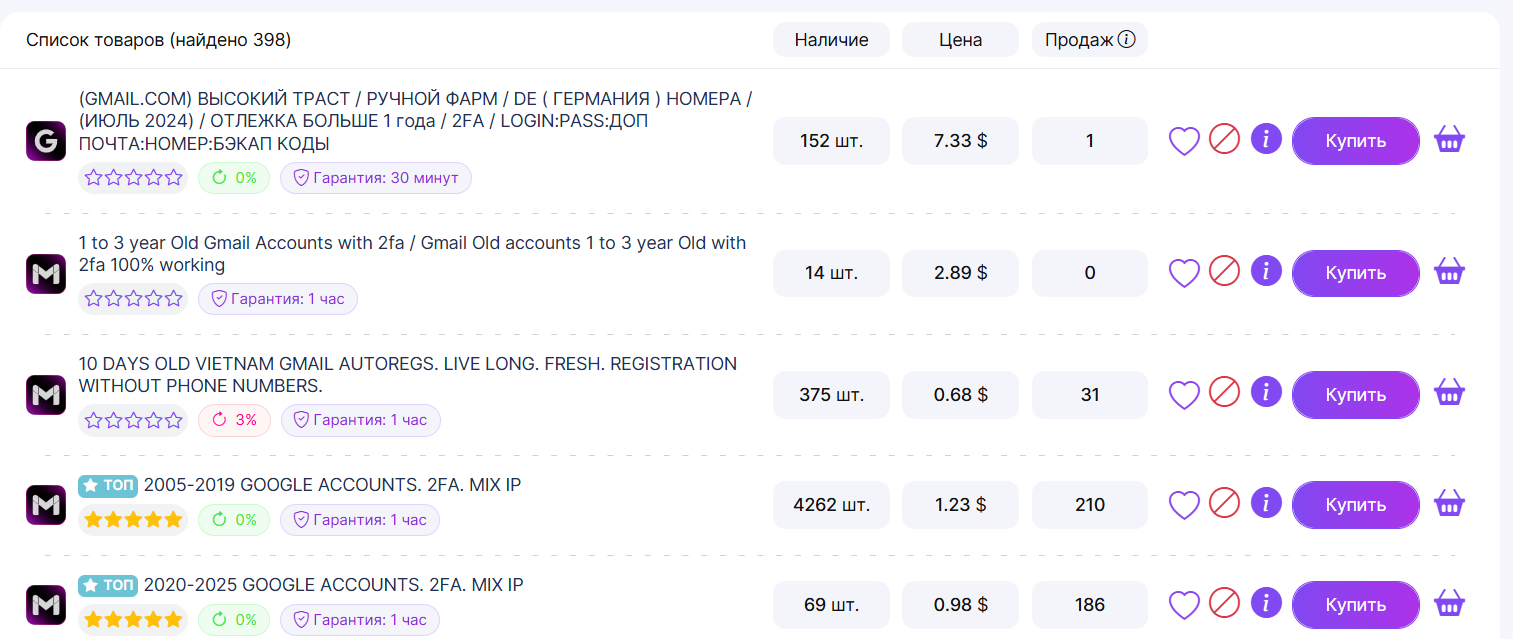
Where to get them? It is vital to choose verified suppliers. In our Google Ads catalog, you will find accounts with various trust levels—from warmed-up profiles to verified accounts ready for operations in complex verticals.
How to Delay the Check?
If you choose to go down the path of a self-launched setup, your main objective is to fly under the radar. There are several technical tricks that allow you to stay off the verification system's radar for as long as possible. Never launch an offer on a freshly registered domain. Use aged, trusted domains or at least website builders like Google Sites or Canva, which inherently hold a high level of trust. At launch, present Google's bots with an immaculate page that complies with all policies. Begin with micro-budgets ($5–$15 per day). Increase the limit gradually by no more than 15–20% every two days. Use cards from banks that Google already recognizes.
Technical cloaking only buys time. Sooner or later, Google will send the request anyway. However, by that point, the account will already possess a history of spending and white-hat delivery, which significantly simplifies passing the check.
What To Do If a “Verify Your Business Operations” Request Arrives?
Business Operations Verification — a modified check. Unlike identity verification, here Google wants to understand where your money comes from, who the ultimate advertiser is, and what your business model is.
If you are a media buyer, this stage might seem fatal, but it can be passed. To avoid getting banned, you can frame your answers like this:
-
“Marketing Agency” Backstory. Never state that you are a solo buyer. Position yourself as an agency managing a client on an outsource basis. There should be a contract (or the appearance of one) and a clear explanation of who is paying for the ads.
-
Domain Alignment. If you are promoting the website shop.com, the email in the account and on the verification form should ideally be on that same domain (e.g., [email protected]).
-
Keep it strictly professional. Instead of “I run traffic to nutra via cloaking,” write: “We provide lead generation services for health product distributors using direct advertising inventory via Google Ads.”
Google may request screenshots from the website's admin panel or bank statements. Ensure the data in the screenshots does not contradict what you have filled out in the questionnaire.
Final advice: if you feel that manual farming and template editing take up too much time—time that you could otherwise spend testing setups—switch to verified accounts. This is the shortest path to stable spend and high ROI.