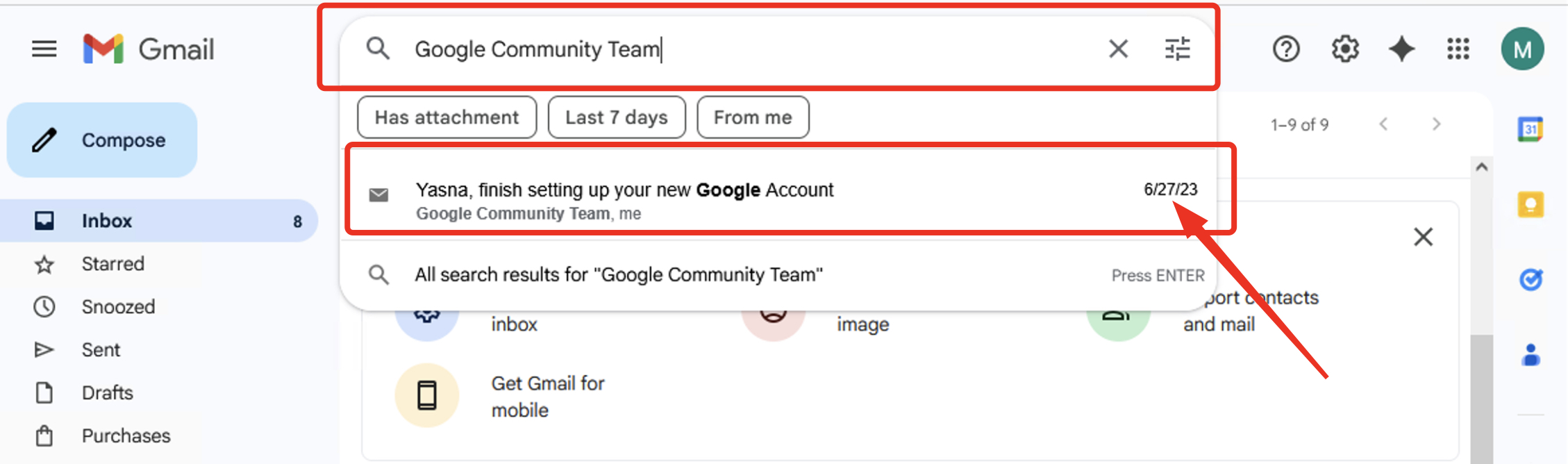
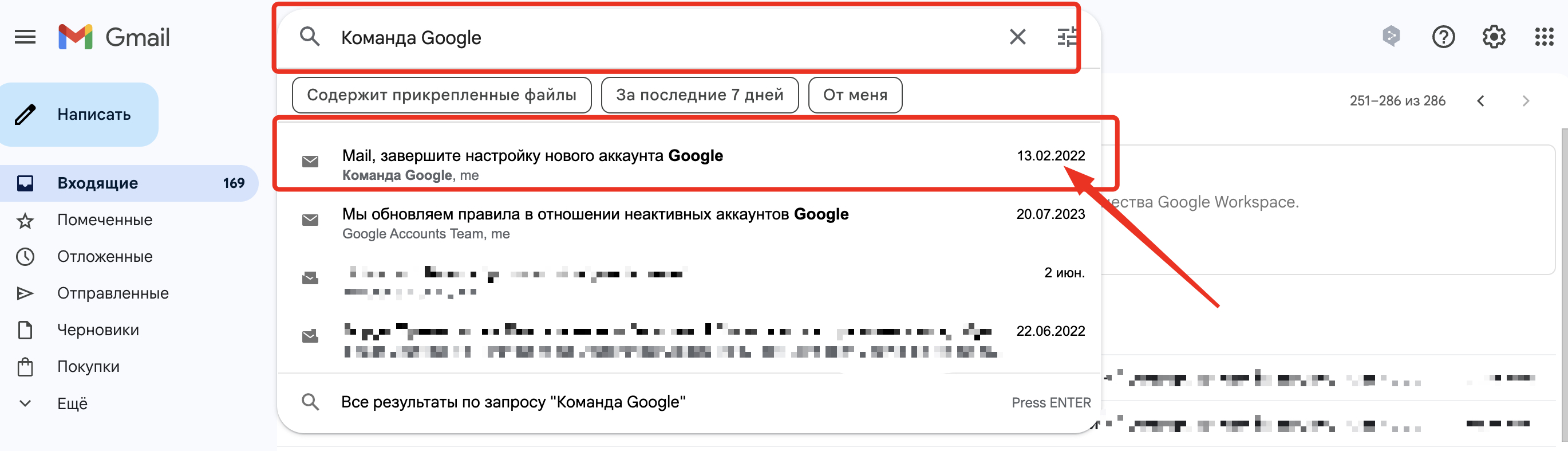
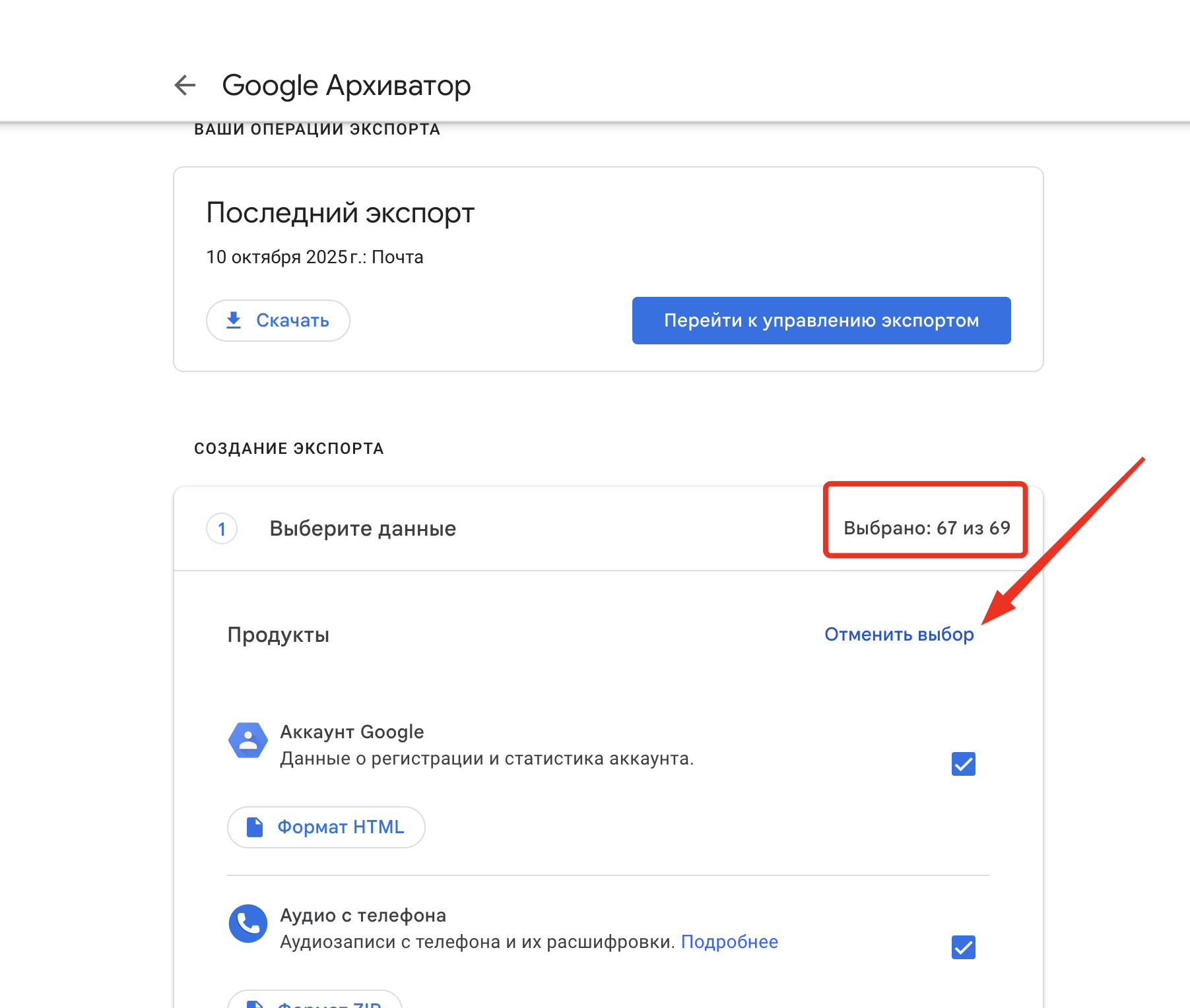
Step 1. To do this, you need to log into the Google account for which you want to find out the data, and follow this link takeout.google.com
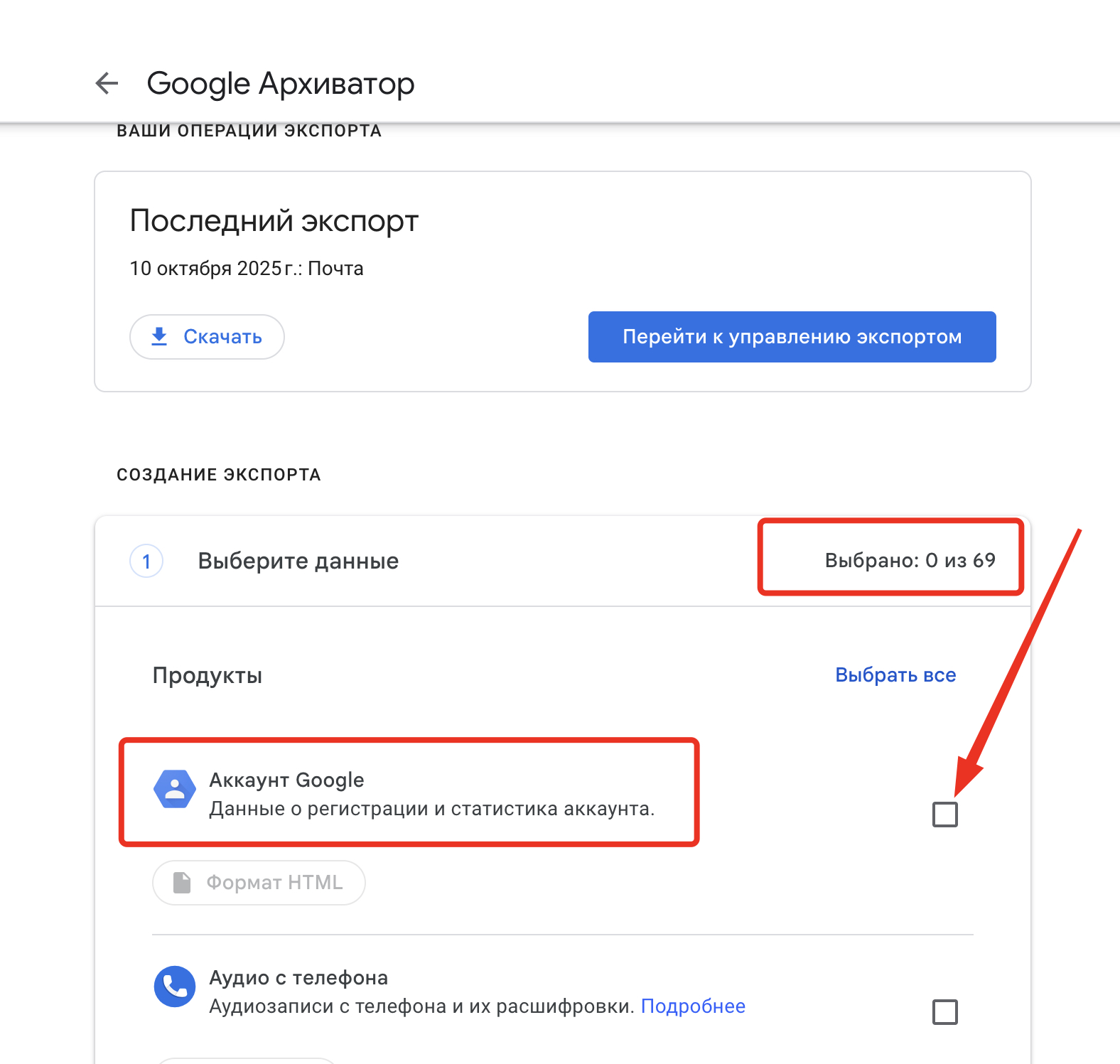
After that, you need to "Deselect all" by unchecking all boxes, and select only one: "Google Account"
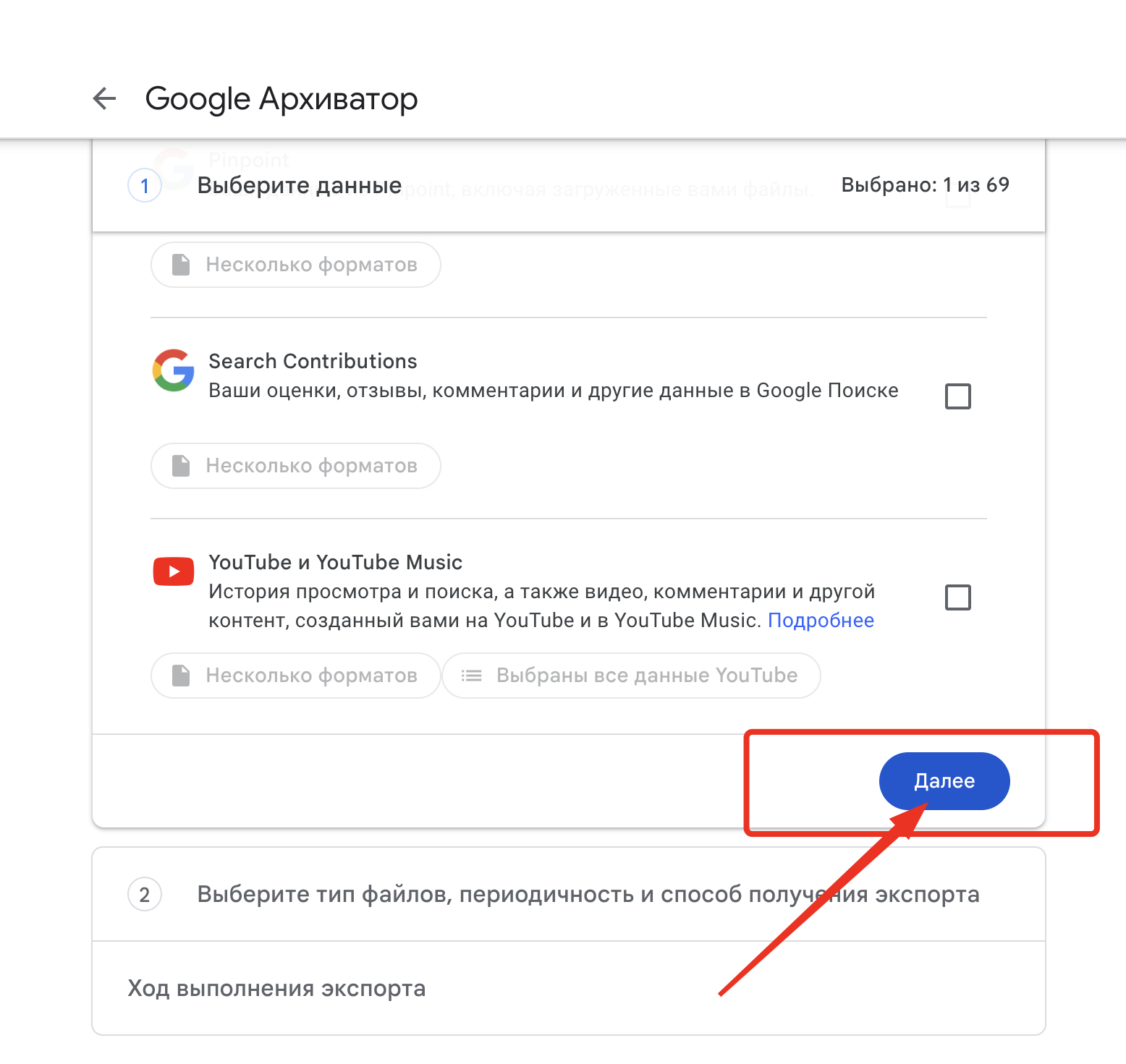
Step 2. After that, scroll all the way to the bottom and click next.
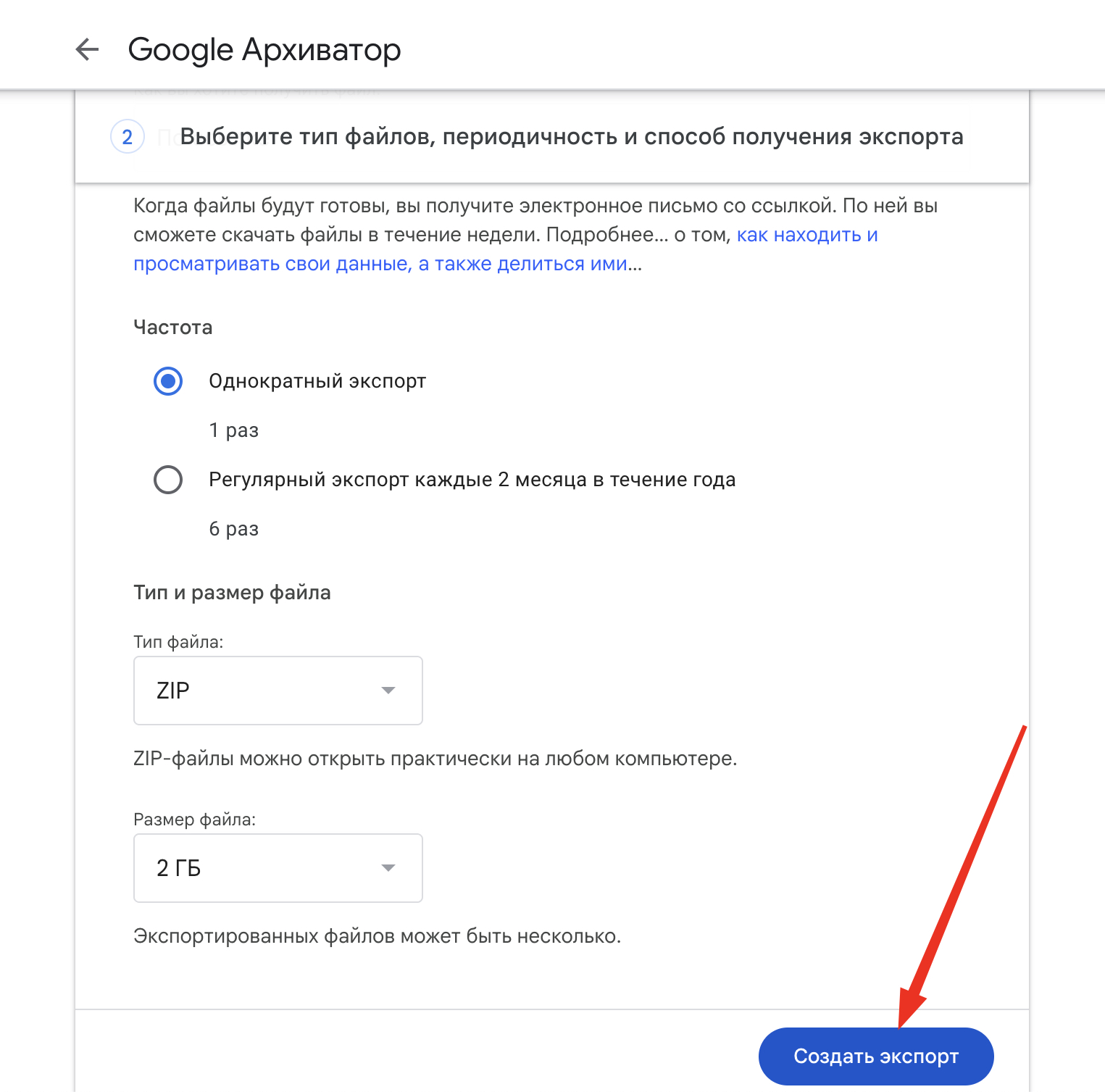
Step 3. Do not change anything on the next page, click "Create export"
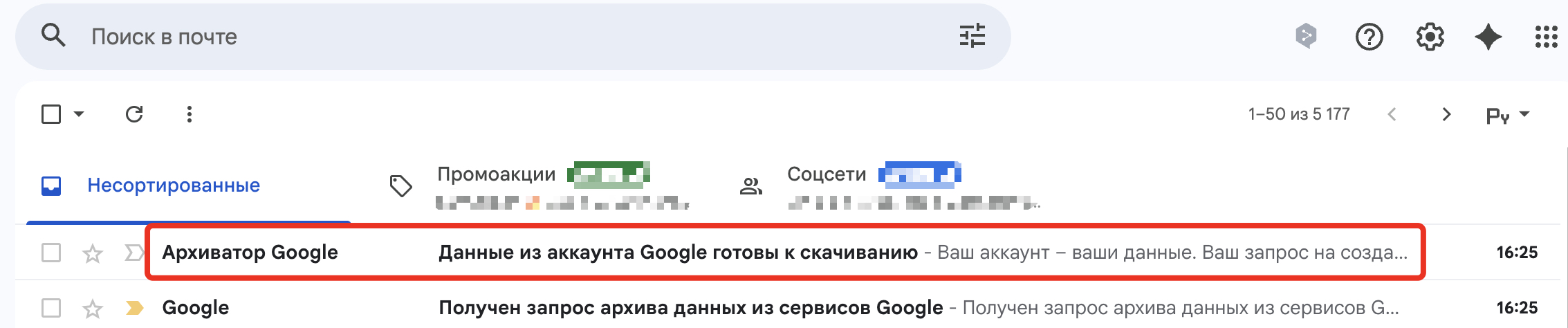
Step 4. After that, you will receive an email to download the archive containing your Google account data.
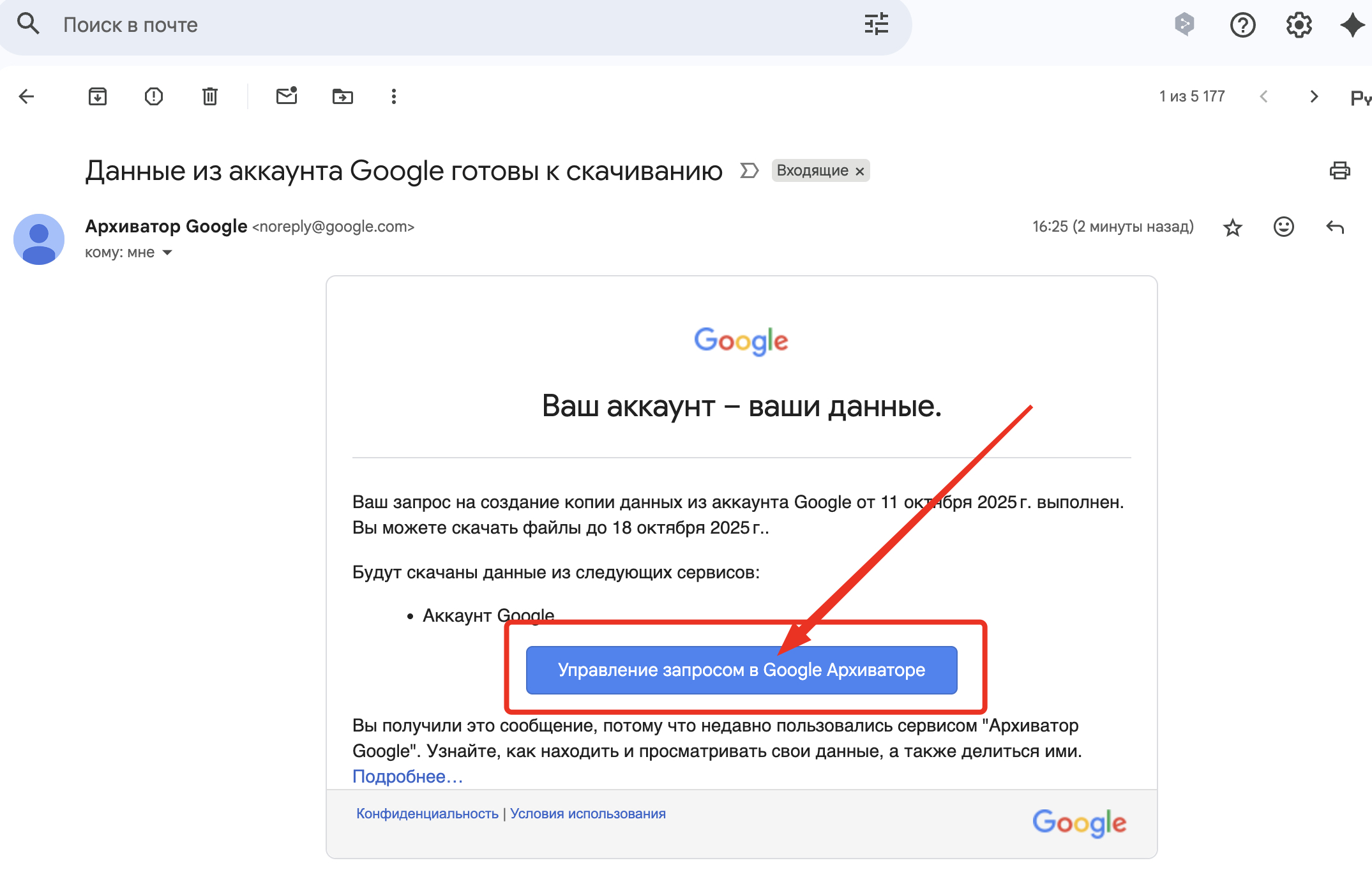
Step 5. Open this email and download the archive using the link sent by Google.
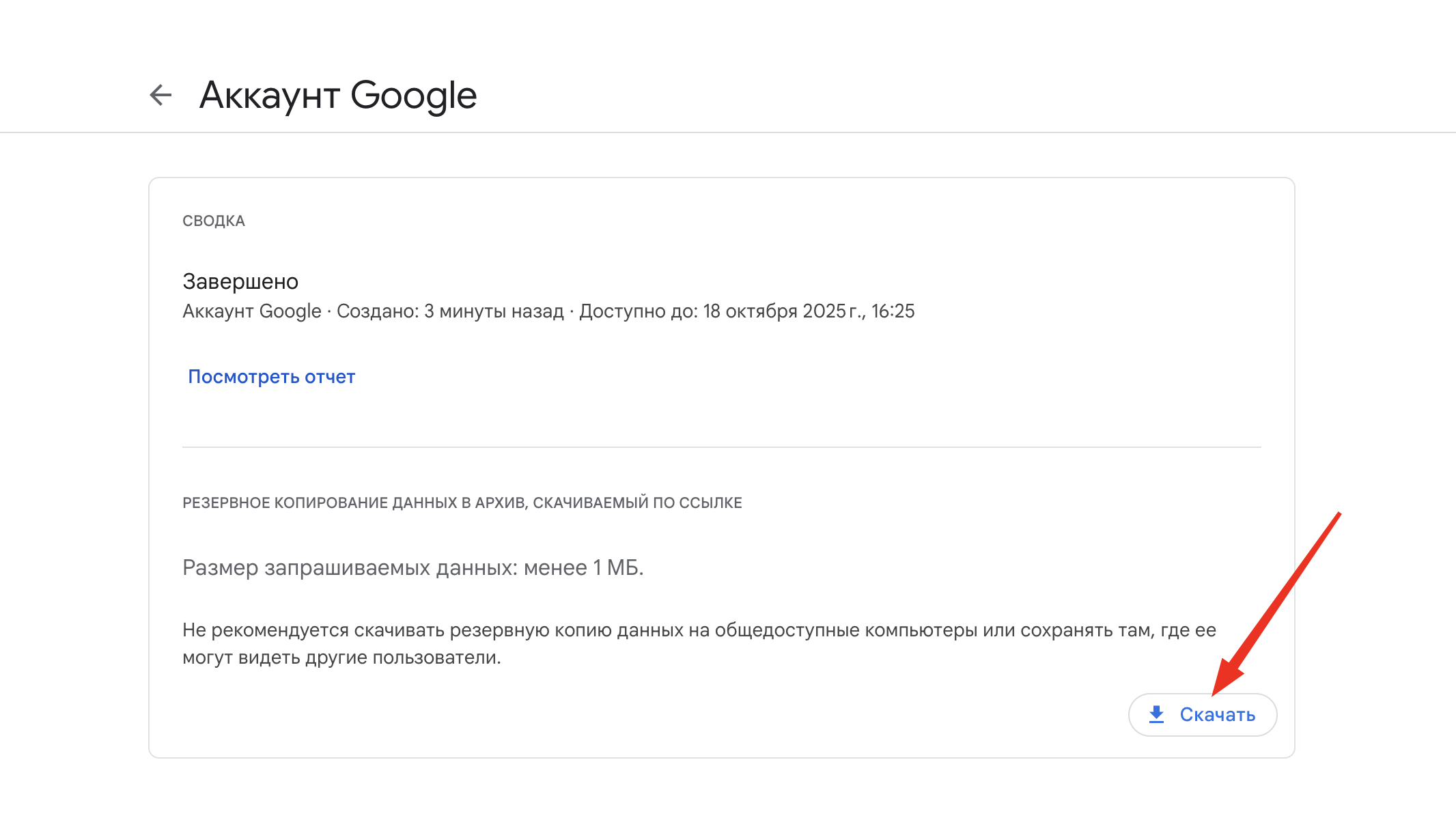
Step 6. After that, extract this archive and open the file named "SubscriberInfo", which will contain all the necessary data about the account.

These are the 2 simple options for getting information about the registration date of your Google account.